Welcome
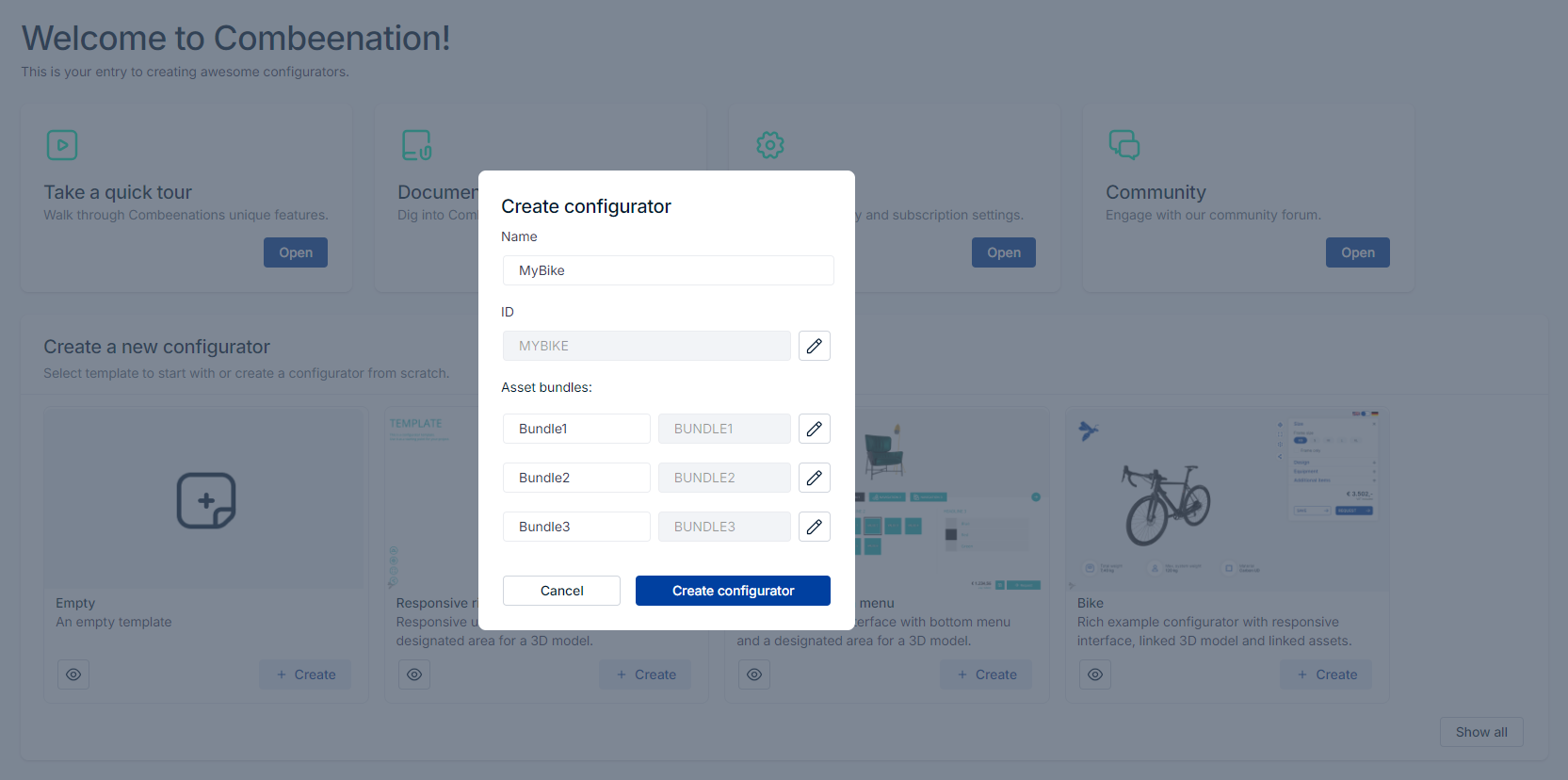
After your first login or after simply clicking on the Combeenation logo in the upper left corner, the welcome page is shown immediately.
This is your entry to create awesome configurators described below.

Creating a new configurator
It is possible to select a template or create a configurator from scratch.
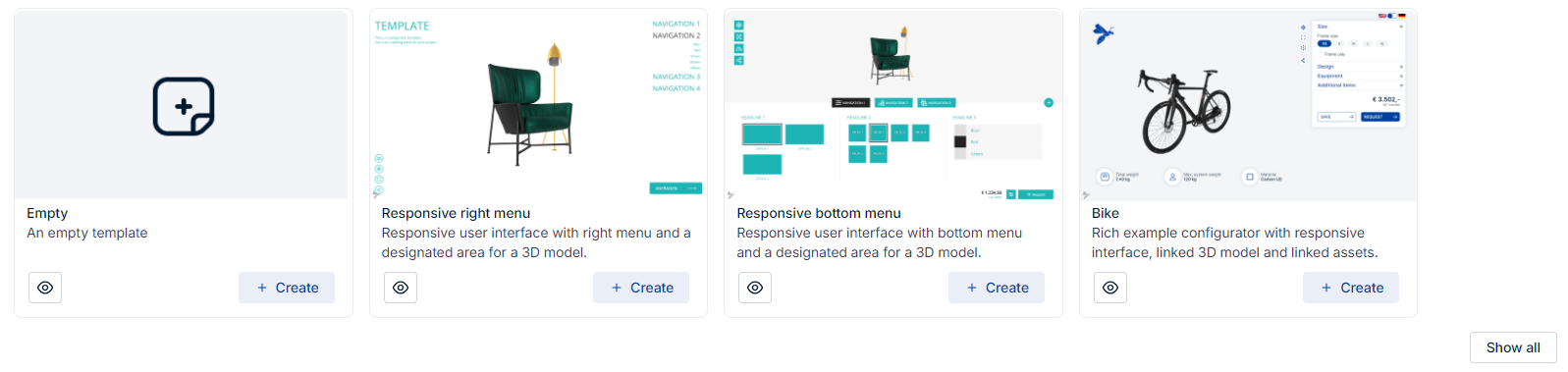
After selecting a template, you can choose your custom configurator name and ID.
If the template uses asset bundles, then choose names for all required asset bundles.
info
The ID is used to create the URL of your configurator.